Guide the request
Present an access catalog shaped by eligibility and configured requester policies.
 Limosaidentity
PLATFORM / ACCESS REQUESTS
Give people a way to request access, and give approvers the context to make informed decisions. Connect the request to its fulfillment without losing the distinction.
Bring request status and decision history into the same workspace. Employees focus on their requests while administrators configure eligibility and approval workflows.
WHAT YOUR TEAM CAN DO
Present an access catalog shaped by eligibility and configured requester policies.
Route decisions through configured approval steps, including managers, owners and workgroups.
Follow approvals into automated provisioning or manual fulfillment. Approval alone is not proof that access exists.
HOW IT FITS TOGETHER
An eligible access choice
Policy and human approval
Connector or manual task
Observe the target result
FROM CATALOG TO CONTROL
A request begins with an eligible catalog choice and a person who needs access. Configured policy controls who may request it and which approval steps are required.
Administrators can follow the decision and its fulfillment. Where connector automation is unavailable, assigned manual work keeps the delivery process visible.
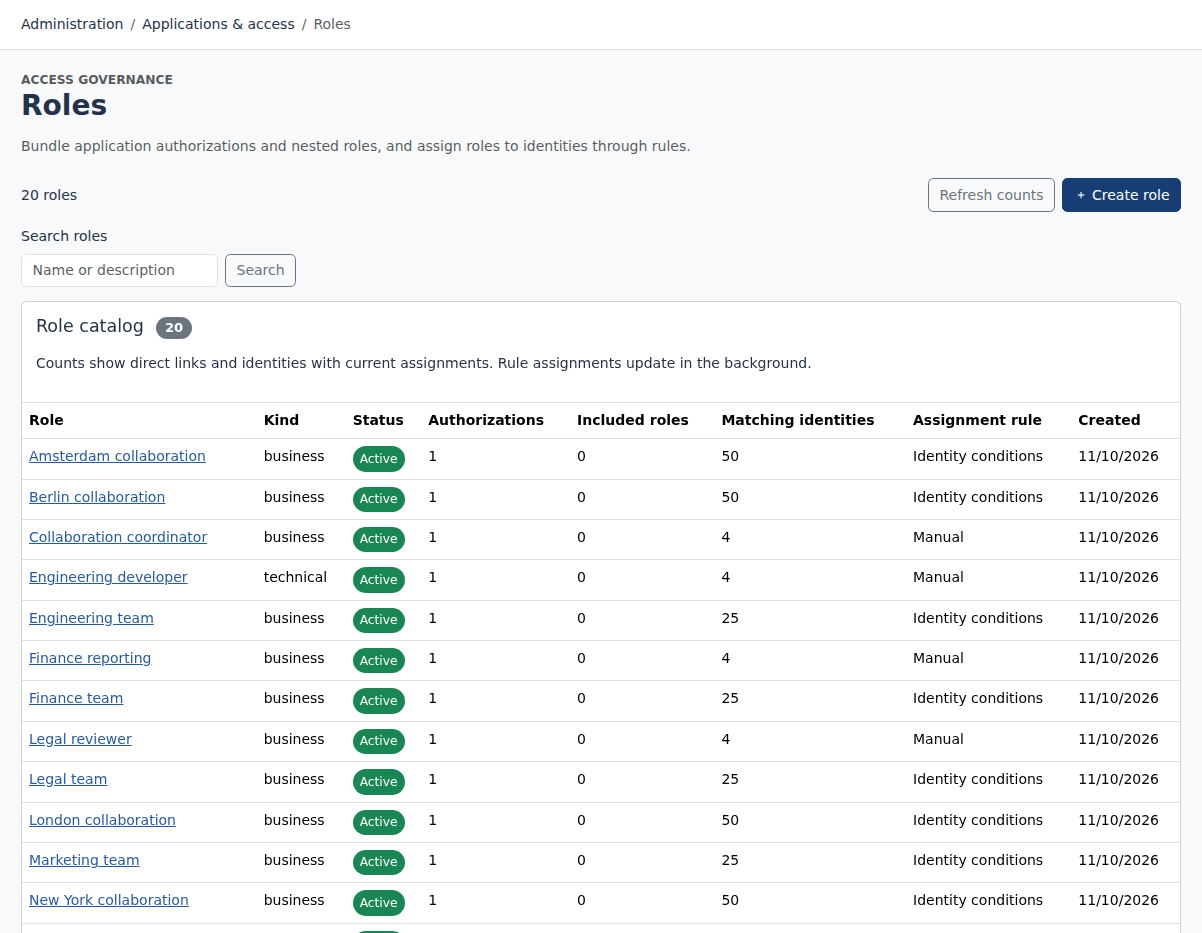
Role assignments and configured policies define the desired state.
Requests and review decisions capture the human or policy decision.
Provisioning operations and manual tasks record progress and outcomes.
Aggregation and read-back provide evidence of the target state.
A recorded approval does not establish that provisioning succeeded. Compare the execution result with observed access.
FULL AI SUPPORT
Operate and configure Limosa through an MCP-compatible AI assistant. The full management interface is available to AI, with the same permissions, validation and audit trail as the web workspace.
Start with https://identity.limosa.io/mcp. No existing Limosa account needed: sign in and create your workspace when prompted.
YOUR NEXT STEP
Explore the public demo or bring your applications and governance questions to a guided conversation.