Build reusable roles
Group entitlements and other roles so business access can be managed as a coherent bundle.
 Limosaidentity
PLATFORM / ROLES & LIFECYCLE
Bundle access into meaningful roles and connect identity changes to configured lifecycle policies. Keep intended assignments separate from what applications actually report.
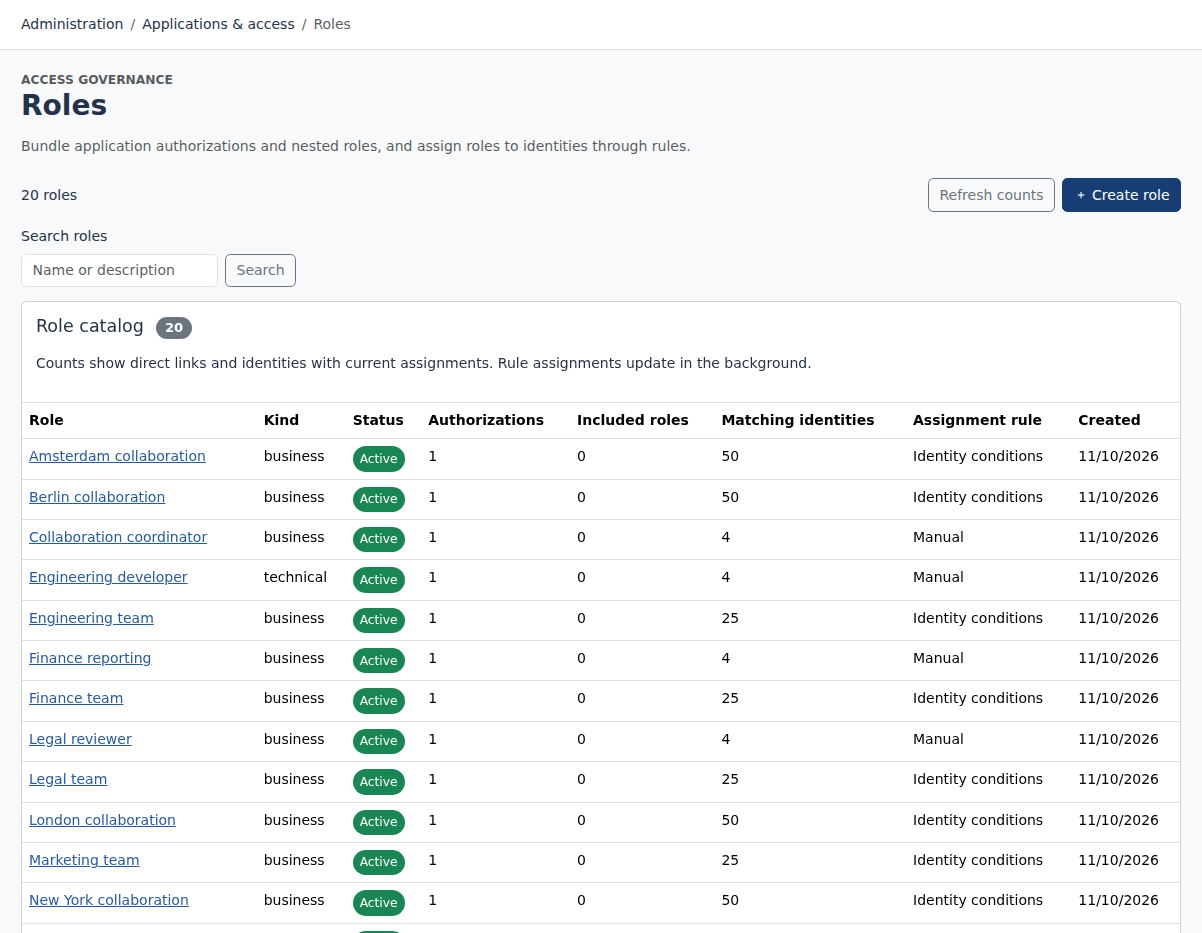
Combine application entitlements and nested roles into reusable access bundles. Use manual or rule-based assignments and retain the provenance of intended access.
WHAT YOUR TEAM CAN DO
Group entitlements and other roles so business access can be managed as a coherent bundle.
Use identity refresh and configured lifecycle policies to evaluate changes as people join, move or leave.
Track automated connector operations and manual tasks with operation histories and explicit results.
HOW IT FITS TOGETHER
A new or updated record
Evaluate roles and lifecycle
Provision or assign a task
Reconcile actual access
DATA DRIVES POLICY
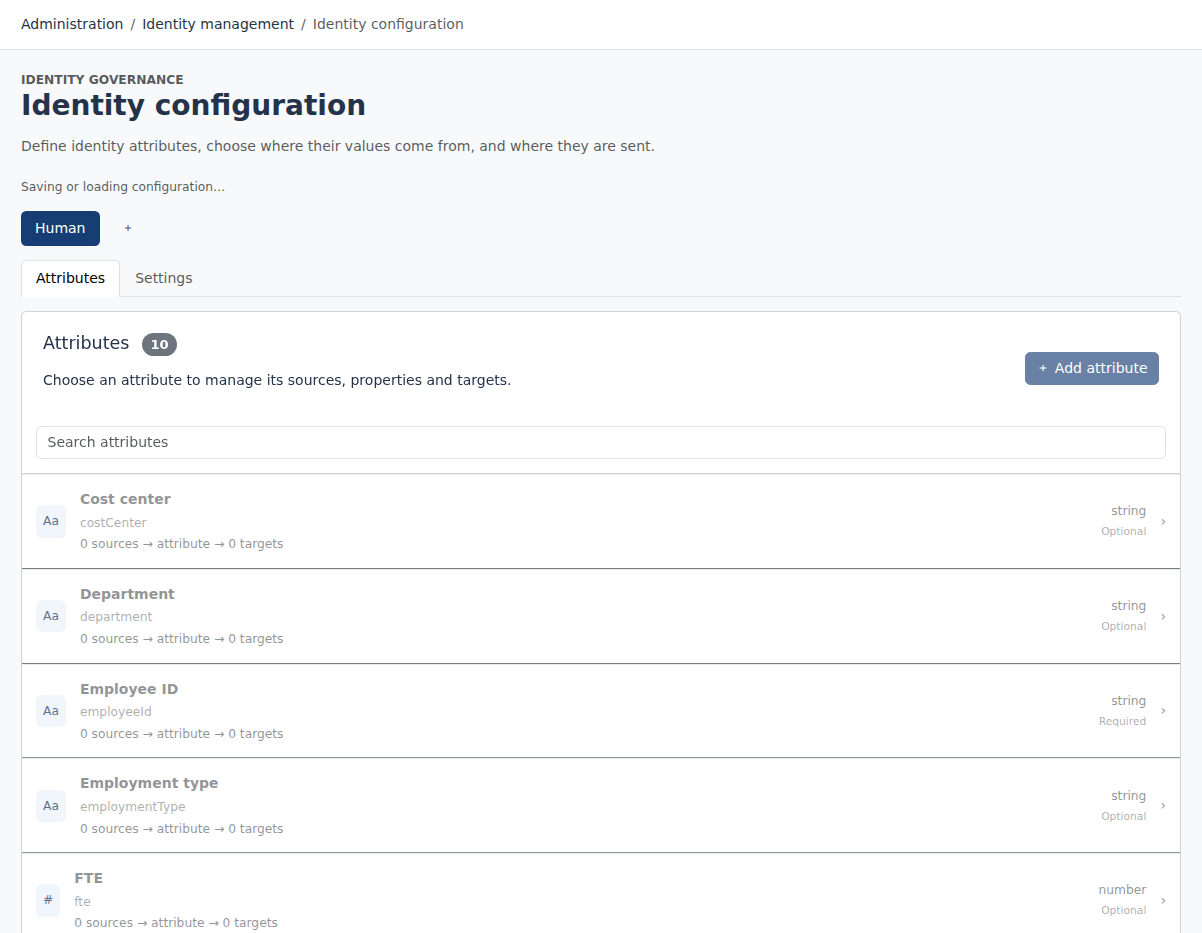
Role evaluation uses identity information to establish intended assignments. Lifecycle policies determine configured account and access operations as identities change.
A role assignment does not establish the target application’s current membership. Use provisioning histories and subsequent inventory observations to understand the outcome.
People and authorized AI clients search, configure, approve and review through authenticated interfaces.
Validate requests, enforce permissions and persist tenant-scoped decisions.
Process aggregation, refresh and provisioning outside the interactive request.
Call configured target operations and evaluate customer JavaScript within its separate execution boundary.
Conceptual processing path. Worker progress and operation histories remain separate from the original user decision.
FULL AI SUPPORT
Operate and configure Limosa through an MCP-compatible AI assistant. The full management interface is available to AI, with the same permissions, validation and audit trail as the web workspace.
Start with https://identity.limosa.io/mcp. No existing Limosa account needed: sign in and create your workspace when prompted.
YOUR NEXT STEP
Explore the public demo or bring your applications and governance questions to a guided conversation.