Connect accounts
Use ordered matching rules and manual correlation to link accounts to the right identities.
 Limosaidentity
PLATFORM / IDENTITY INVENTORY
Bring people, application accounts and entitlements into a connected inventory. Resolve unmatched accounts and explore access with the context your team needs.
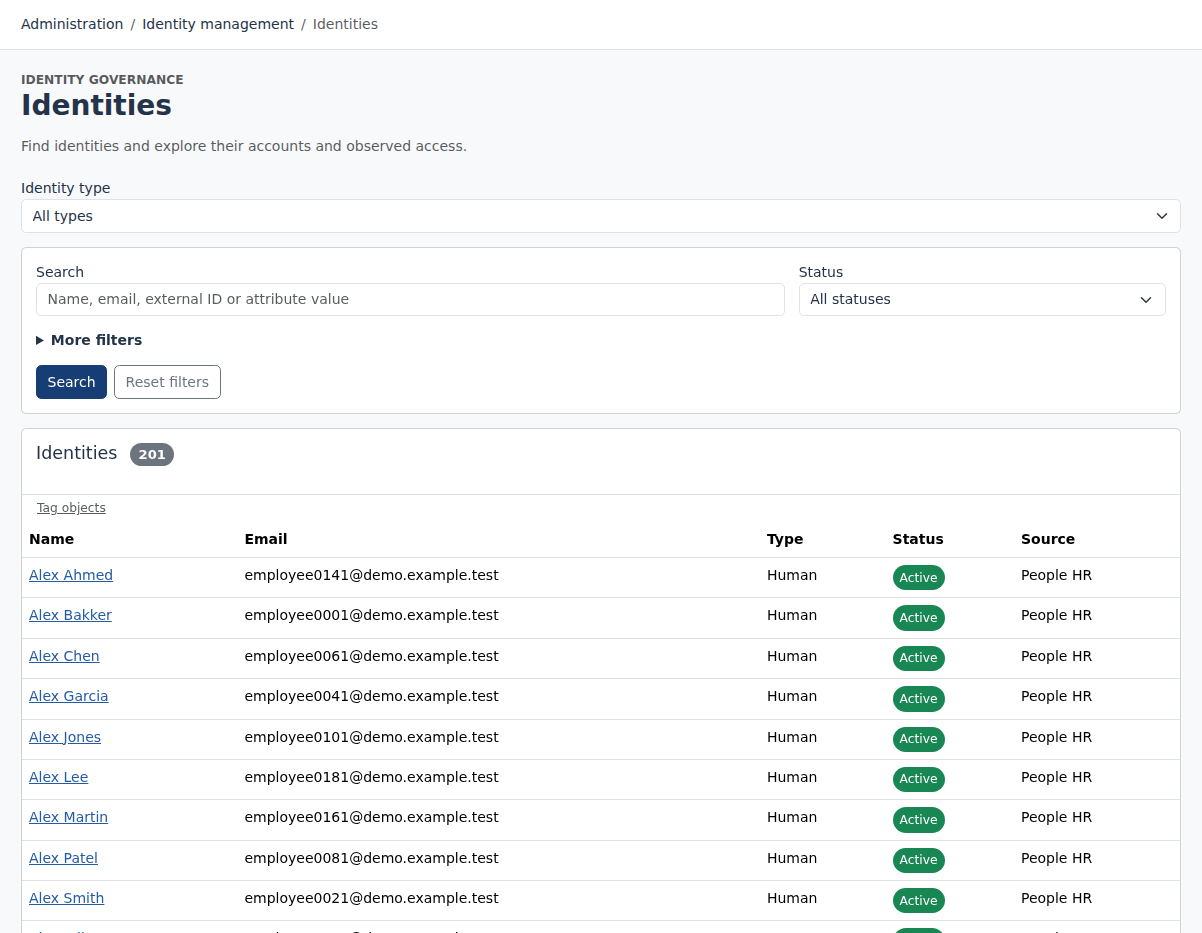
Correlate application accounts to identities, preserve multiple accounts per person and keep unmatched records visible for manual resolution.
WHAT YOUR TEAM CAN DO
Use ordered matching rules and manual correlation to link accounts to the right identities.
Configure identity types and attributes. Keep human reporting lines separate from accountable ownership of workloads and devices.
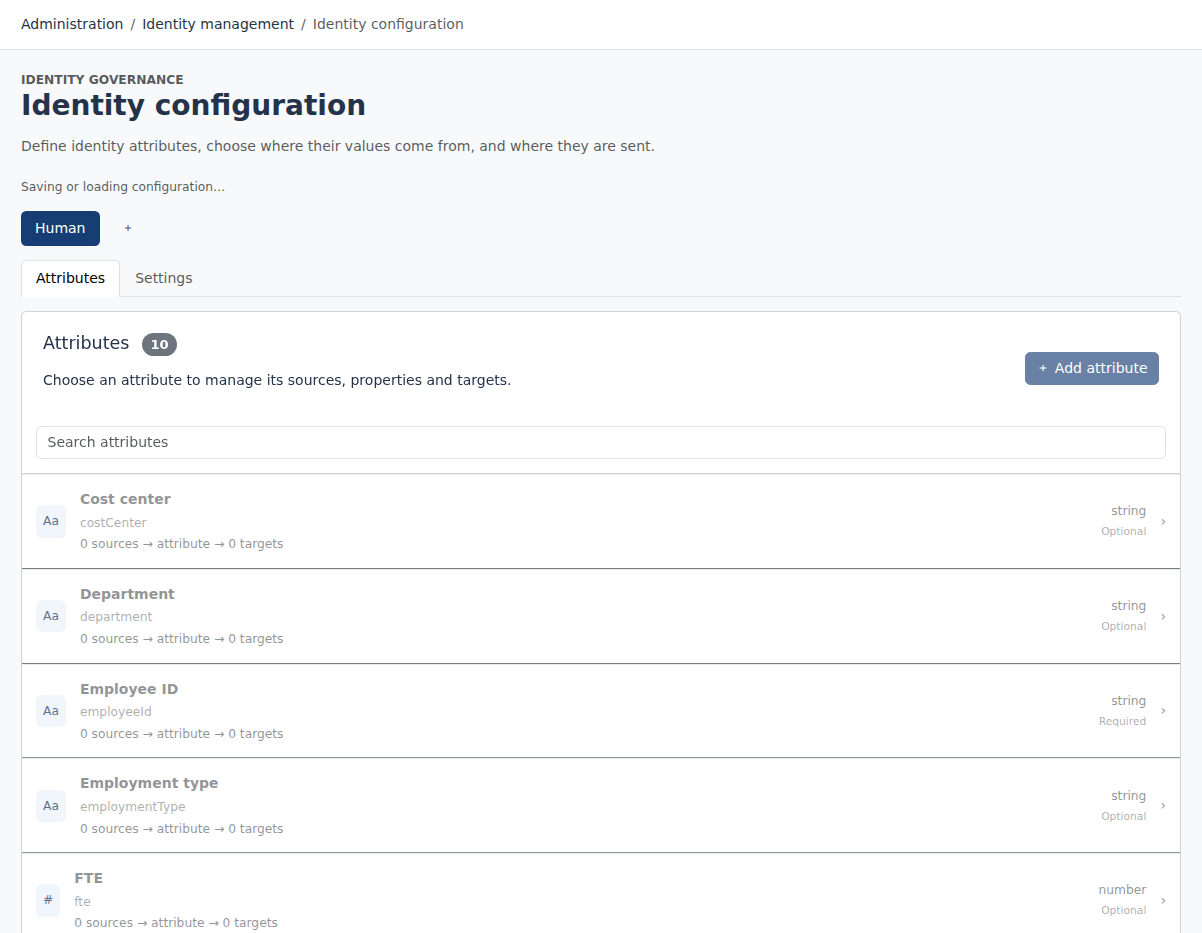
Choose attribute sources and target mappings, with transforms and identity-based previews.
HOW IT FITS TOGETHER
HR and connected applications
Accounts and entitlements
Rules and manual resolution
A connected access picture
ATTRIBUTE GOVERNANCE
Choose where each identity attribute comes from and where changes should be sent. Source and target configuration make data ownership visible, while transforms help align values to target requirements.
Preview mappings with a selected identity. Keep identity refresh separate from application aggregation so operators know whether a job is updating the identity model or importing new target observations.
A person can have several accounts in an application. Preserve those account relationships instead of assuming one account represents all access.
Uncorrelated accounts stay available for investigation and manual resolution. A missing identity link does not make the account disappear.
Model workloads and devices with an accountable person or workgroup. Keep their ownership separate from a person’s manager relationship.
FULL AI SUPPORT
Operate and configure Limosa through an MCP-compatible AI assistant. The full management interface is available to AI, with the same permissions, validation and audit trail as the web workspace.
Start with https://identity.limosa.io/mcp. No existing Limosa account needed: sign in and create your workspace when prompted.
YOUR NEXT STEP
Explore the public demo or bring your applications and governance questions to a guided conversation.