JOIN
Establish the person.
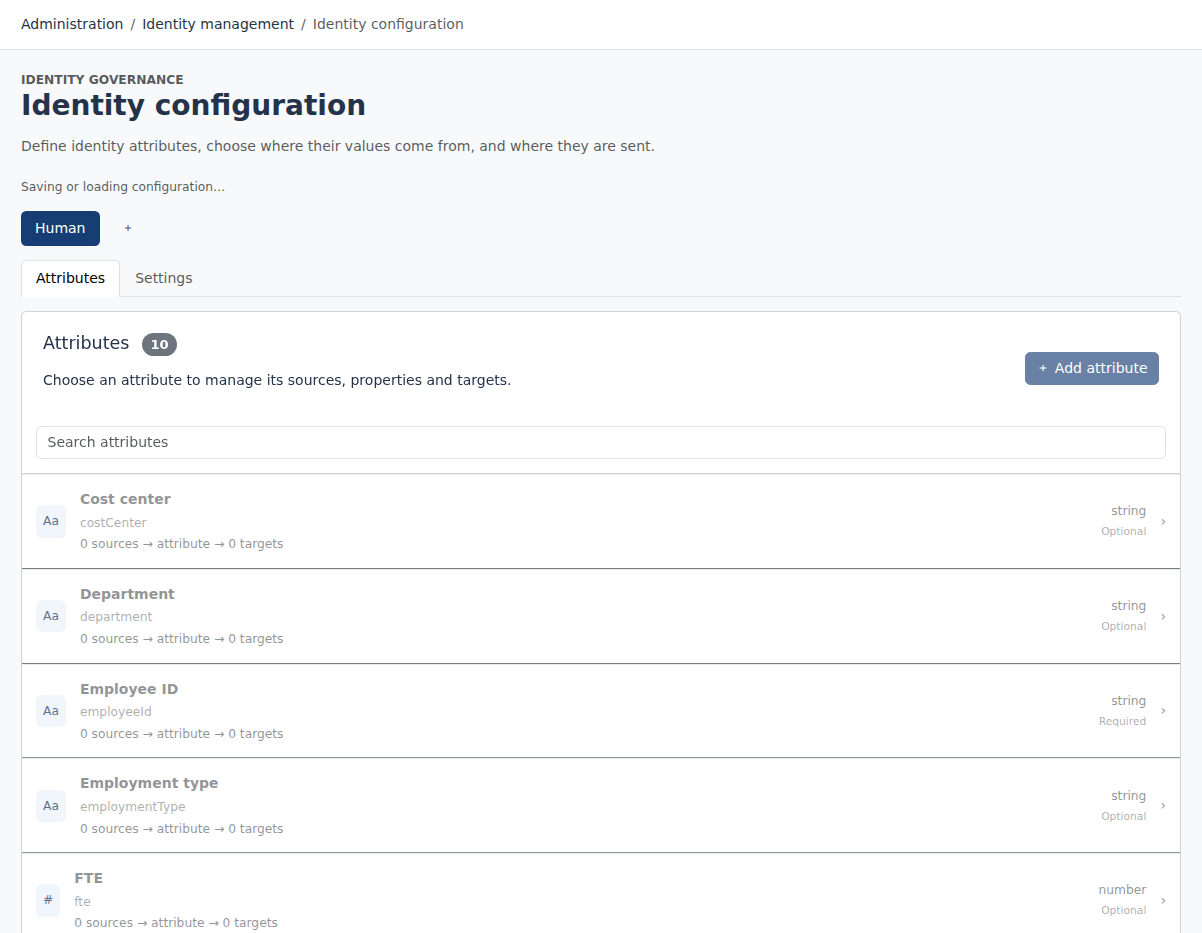
Choose stable identifiers, map source attributes and correlate application accounts. Evaluate configured role rules; intended access determines which account types are needed.
 Limosaidentity
PLATFORM / IDENTITY LIFECYCLE
Bring authoritative workforce records into governance. Configure the mappings, roles and account policies that connect joining, moving and leaving to application access.
Import authoritative worker records
Map attributes and correlate accounts
Evaluate roles and lifecycle changes
Execute supported actions and verify
Conceptual workflow. Import, identity refresh and provisioning are separately configured operations.
JOIN
Choose stable identifiers, map source attributes and correlate application accounts. Evaluate configured role rules; intended access determines which account types are needed.
MOVE
Refresh attributes and rule-based assignments as responsibilities change. Track each access source: an independent assignment can still justify access after another is removed.
LEAVE
Configure account enable, disable or delete actions for lifecycle transitions. Follow execution separately from the source status and verify the target result.
Confirm mappings and correlation before activating lifecycle policies. Missing source records need an explicit policy; an incomplete import must not silently become your leaver process.
YOUR NEXT STEP
Explore the public demo or bring your applications and governance questions to a guided conversation.